

Share your booking link
Your link is your page. Put it everywhere your customers already are.
Your link looks like nelo.co.za/book/your-name.
Copy or share it
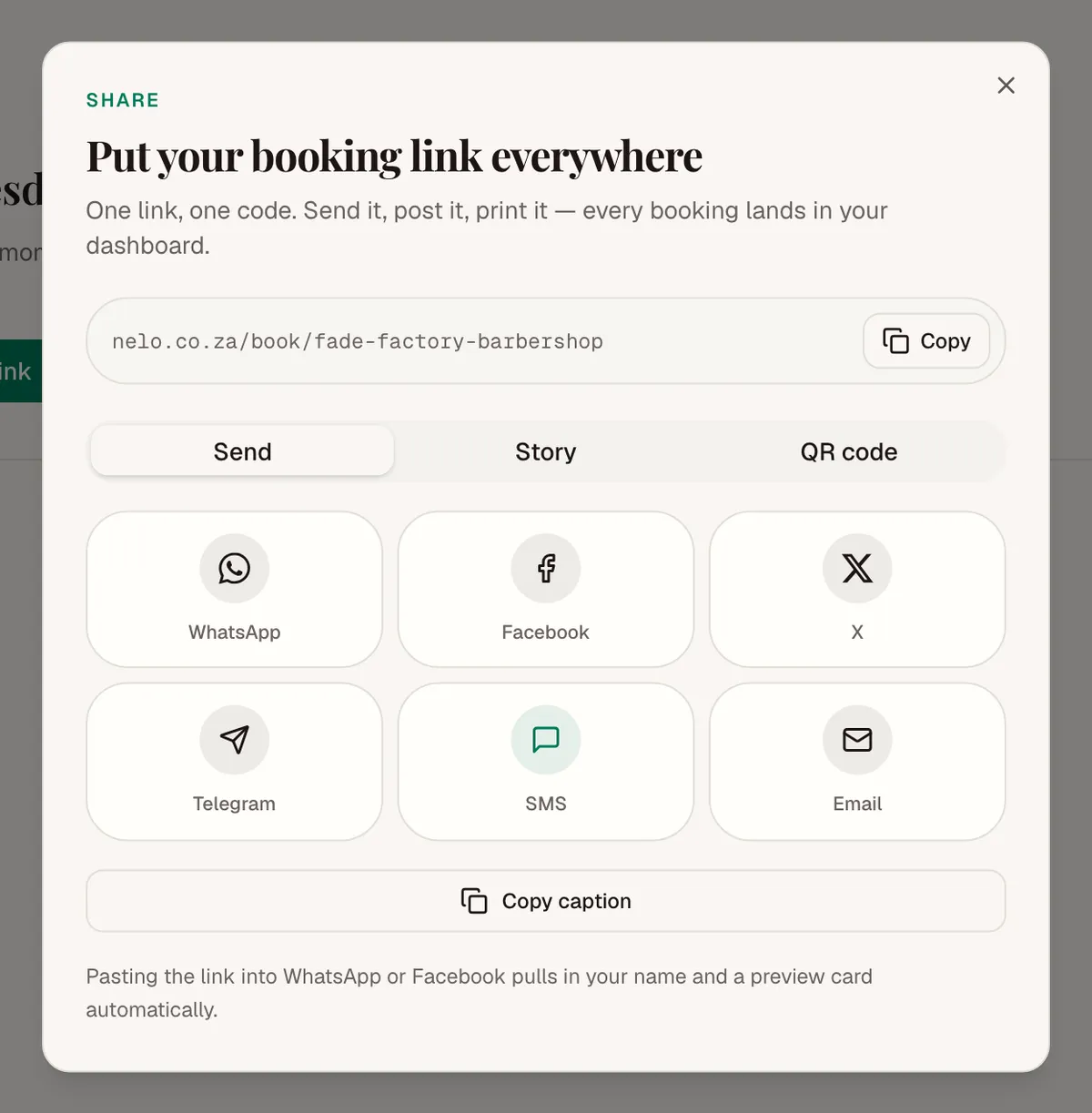
On Today, find Your booking link and tap Copy or Share. On a day with nothing booked yet, tap Share your booking link instead.
Share gives you three ways to send it:
- Send: WhatsApp, SMS, email, Facebook, X or Telegram.
- Story: a ready-made picture for your Instagram or WhatsApp story, in four colours.
- QR code: download it and print it for your counter or mirror.
Each person on your team has their own link too. It opens your page with them already picked.
Change your link
Go to Settings, then Your page, and tap Edit. Type a new link. We check it as you type.
Old links stop working when you change it. Anyone who saved the old one gets an error. Change it only if you must, and share the new one again.