

Sign in with your phone number
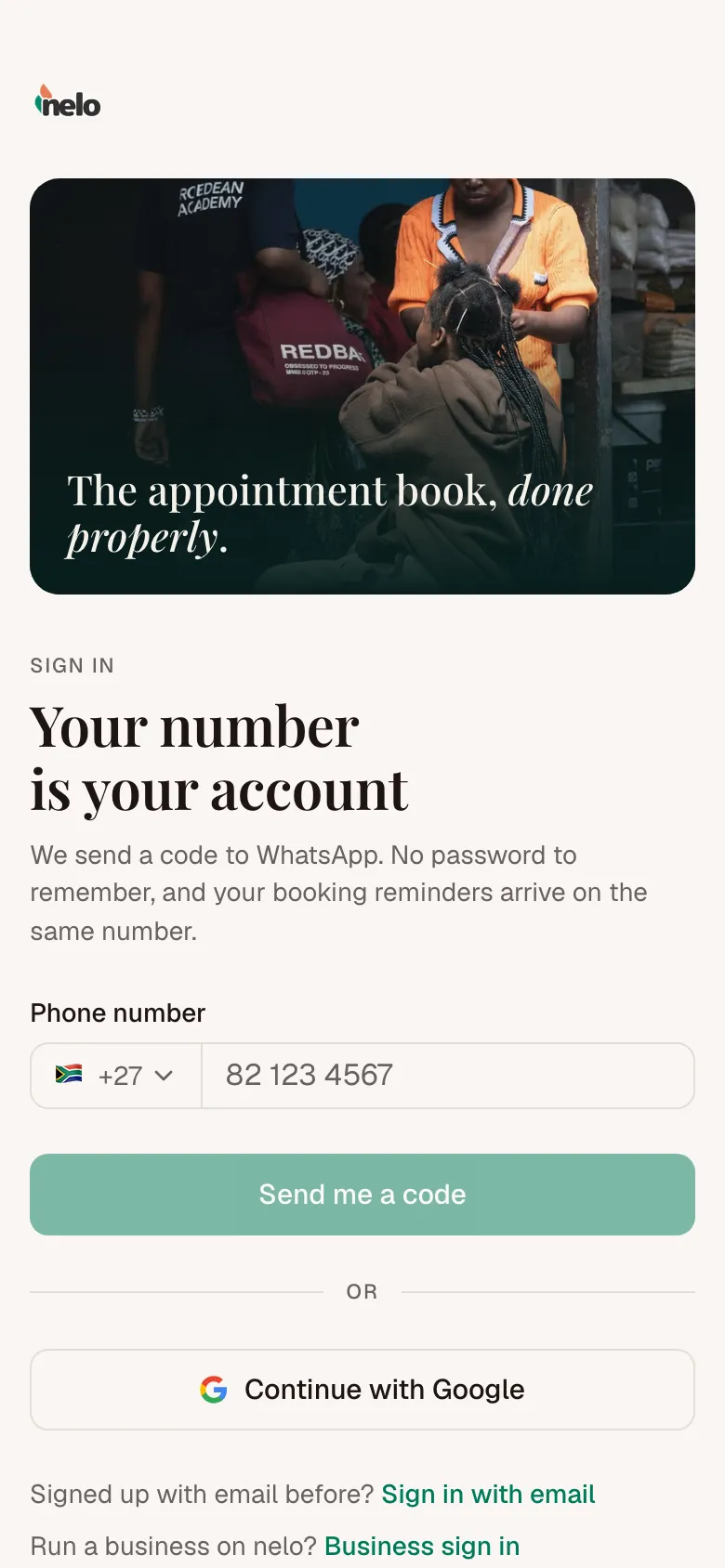
Your number is your account. We send a code to WhatsApp, so there is no password to remember.
- Go to nelo.co.za/auth and tap nelo for customers. If you came from a business's booking page, you skip this step.
- Type your number under Phone number and tap Send me a code. The country you are in is already picked. Change it if your number is from another country.
- Open WhatsApp. A message from nelo holds a six-digit code. Tap Copy code.
- Go back to nelo and put the code in Your code. You are signed in as soon as the last digit goes in.
The first time, we ask What should we call you? Type your name and tap Continue. Businesses see this name on your bookings.
Other ways in
- Continue with Google works too.
- Made your account with an email address before? Tap Sign in with email under the number field.
Run a business?
Businesses sign in with an email and password. On nelo.co.za/auth, tap nelo for businesses.