

Use a voucher
Businesses send vouchers to their regulars. Here is how to use one.
Find your vouchers
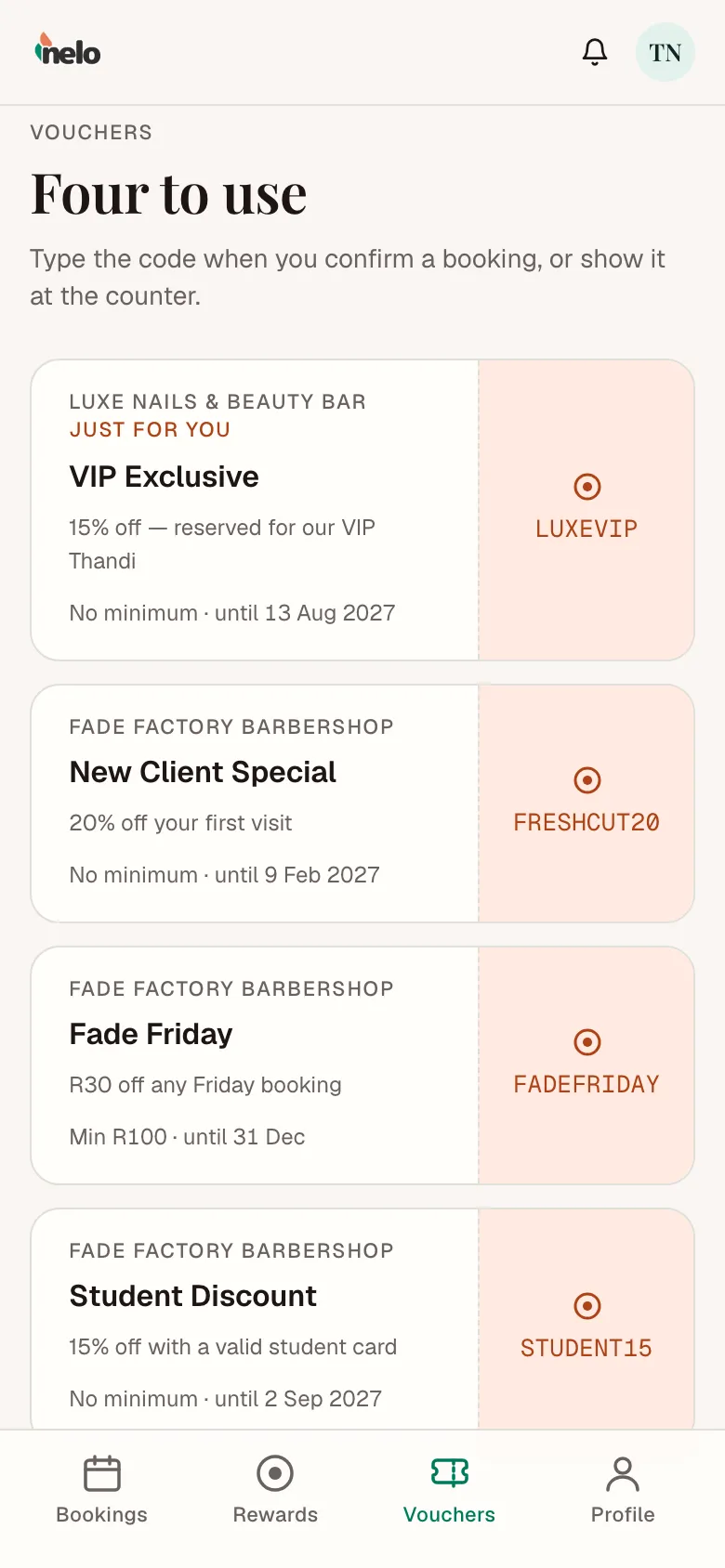
Your vouchers are under Vouchers at nelo.co.za/portal. Each one shows:
- the discount, in rands or a percent
- the minimum spend, if there is one
- the last day you can use it
Tap a code to copy it.
Use it
- When you book: at the confirm step, tap Have a voucher?, type the code and tap Apply.
- At the counter: show the voucher on your phone.
A voucher marked Just for you works once.
Vouchers can't be used when you book in WhatsApp. Book on the website, or show the voucher at the counter.
If the code doesn't work
| Message | What it means |
|---|---|
| Invalid or expired voucher code | Check the spelling, or it has ended. |
| This voucher has expired | Its last day has passed. |
| This voucher is not valid for your account | It was made for someone else. |
| Minimum spend of R… required | Pick a service that costs at least that much. |
You can't buy vouchers on nelo.